
As the headline says, with this small script you are able to test all your Domain-Controllers with a single command Test-AllDomainController. The simple things are the best, by all means 😉
The Script
Open PowerShell ISE and copy this script in a new project.
function Test-AllDomainController {
$dcs=(Get-ADDomainController -Filter *).Name
foreach ($items in $dcs) {
Test-Connection $items -Count 1}
}
Press the green button to check it.

Make it permanent
Create folder in “C:\Program Files\WindowsPowerShell\Modules” and name it PingAllDC. Make sure you save your script there as PingAllDC.psm1. (The folder and the script should have the same name) Close PowerShell and re-open it. The module gets imported automatically and is available for all users.
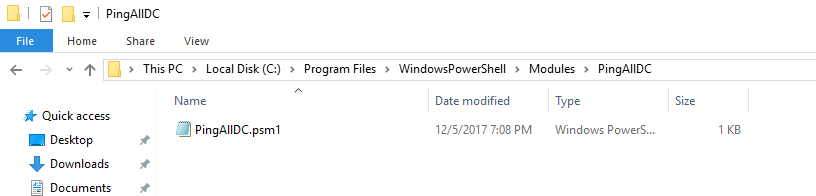
Get-Module PingAllDC | Format-Table -AutoSize

To view the command’s scriptblock enter
Get-Command Test-AllDomainController | Select-Object -ExpandProperty ScriptBlock
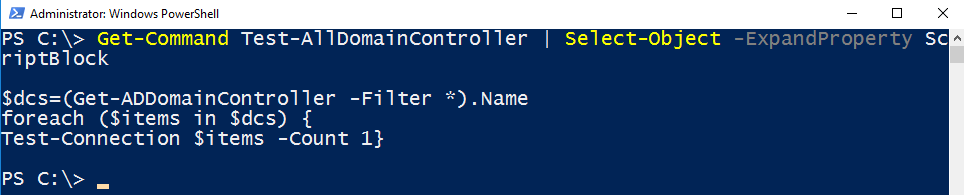
And finally … in Action …

Have fun with Test-AllDomainController.
See also
PowerShell: Notify me when someone is added to the Administrator Group
PowerShell: Alert me, if a Domain-Controller is down
Categories: Cyber Security, PowerShell, Windows Server

 My name is Patrick Gruenauer. From Austria.



 SID-500.COM