
With PowerShell 5.0 two new commands are introduced: Compress-Archive and Expand- Archive. The commands compress and decompress data.
Get-Command -Noun Archive

Compress-Archive compresses data.
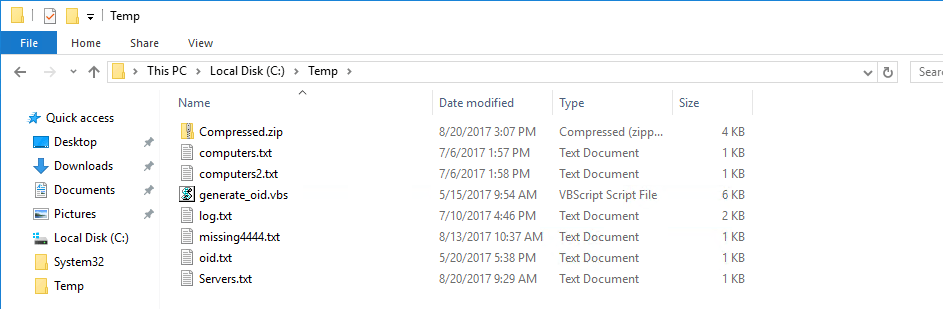
Compress-Archive -Path C:\Temp\* -DestinationPath C:\Temp\Compressed.zip

The ZIP File was generated.
Expand-Archive decompresses the files.
Expand-Archive -Path C:\Temp\Compressed.zip -DestinationPath C:\Temp\

Further thoughts
If you can´t do without WinZip, I recommend my article Package Management in PowerShell (Chocolatey)
Categories: Cyber Security, PowerShell, Windows 10, Windows Server

 My name is Patrick Gruenauer. From Austria.



 SID-500.COM
Thank you for this post! 🙂
I found a post on an other page. It is possible to extract more Files in one step.
https://www.itnator.net/zip-entpacken-per-powershell-so-funktionierts/
Great work & thank you!
Greetings Hubert
LikeLike